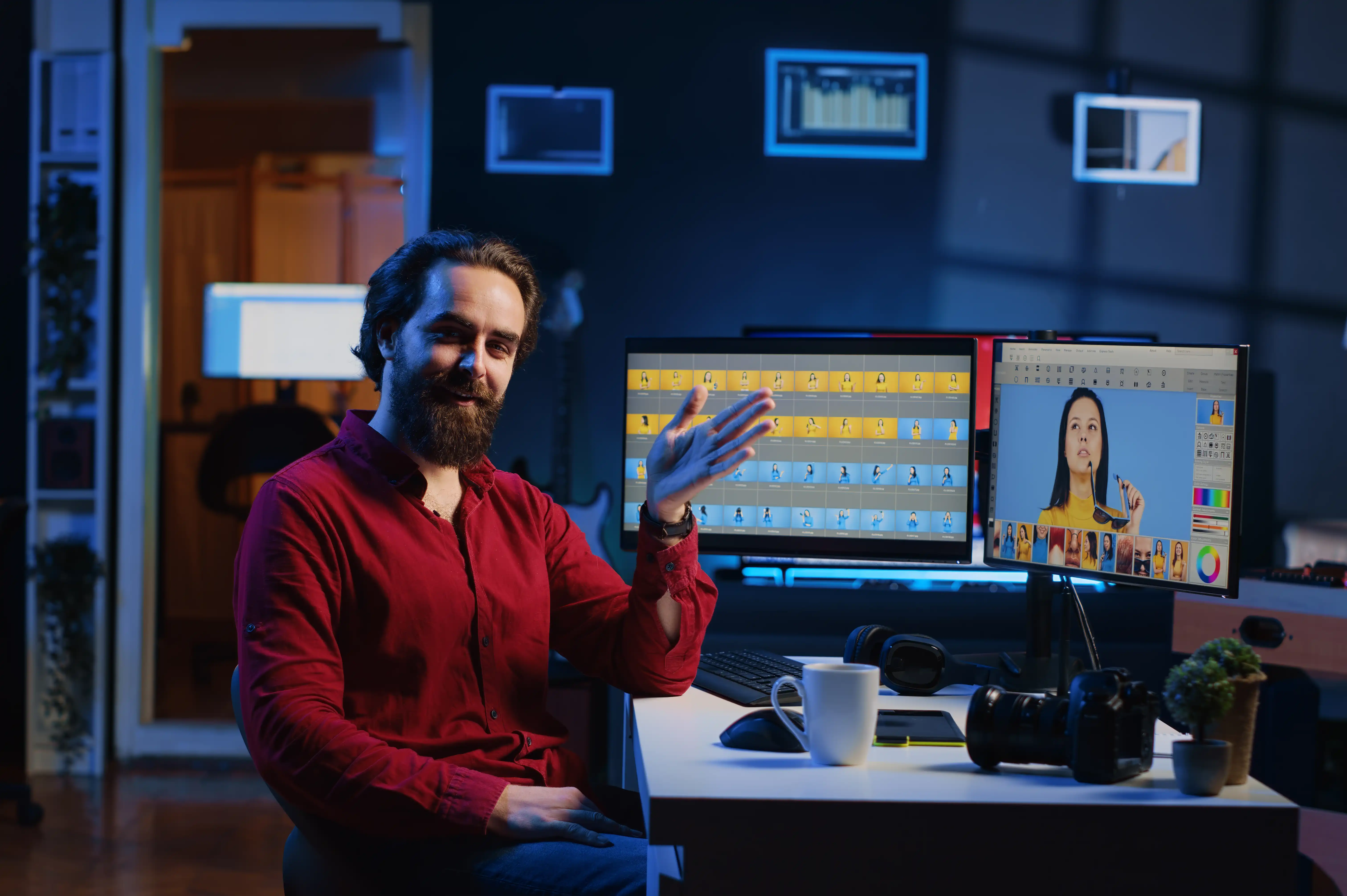
Best Video Editing Software in 2026: Which One Should You Choose?
Video editing has become an essential skill for content creators, filmmakers, businesses, marketers, and social media professionals. Whether you're producing YouTube videos, Instagram Reels, advertisements, documentaries, or corporate content, choosing the right video editing software can significantly improve your workflow and creativity.
With several powerful editing applications available in 2026, beginners often wonder which one is the best. The answer depends on your experience, budget, operating system, and the type of videos you want to create.
In this guide, we'll compare the most popular video editing software to help you make the right choice.
Why Choosing the Right Video Editing Software Matters
The right editing software can help you:
- Edit videos faster
- Improve production quality
- Add professional visual effects
- Create engaging social media content
- Produce cinematic films
- Build a successful editing career
Before selecting a software, consider your learning goals, hardware specifications, and future career plans.
Adobe Premiere Pro
Adobe Premiere Pro remains one of the most widely used video editing applications in the creative industry.
It is trusted by professional editors, production studios, advertising agencies, YouTubers, and businesses worldwide.
Best For
- Professional Video Editing
- YouTube Content
- Commercial Advertisements
- Documentary Films
- Corporate Videos
- Social Media Content
Key Features
- Multi-Track Editing
- Advanced Timeline
- AI-Powered Editing Tools
- Motion Graphics Integration
- Adobe After Effects Integration
- Adobe Photoshop Integration
- Audio Editing
- Color Correction
- Team Collaboration
Advantages
- Industry-standard software
- Excellent workflow
- Powerful editing tools
- Frequent updates
- Large learning community
Limitations
- Monthly subscription required
- Requires a powerful computer
- Learning curve for beginners
DaVinci Resolve
DaVinci Resolve has become one of the most powerful editing platforms, especially for professional color grading and post production.
It combines editing, visual effects, audio production, and color correction in one application.
Best For
- Professional Filmmaking
- Color Grading
- Commercial Projects
- Feature Films
- High-End Production
Key Features
- Professional Color Grading
- Fusion Visual Effects
- Fairlight Audio Editing
- Multi-User Collaboration
- Motion Graphics
- Advanced Export Options
Advantages
- Powerful free version
- Excellent color tools
- Professional workflow
- Complete post-production suite
Limitations
- Higher hardware requirements
- Advanced interface
- Longer learning process
Final Cut Pro
Final Cut Pro is Apple's professional video editing software designed exclusively for macOS.
It offers exceptional performance and is highly optimized for Apple Silicon devices.
Best For
- Mac Users
- YouTube Creators
- Professional Editors
- Corporate Videos
- Documentary Production
Key Features
- Magnetic Timeline
- Fast Rendering
- HDR Editing
- Multi-Camera Editing
- Motion Graphics Support
- Excellent Apple Ecosystem Integration
Advantages
- Optimized for Mac
- Smooth performance
- One-Time Purchase
- Fast workflow
Limitations
- Available only for macOS
- Smaller plugin ecosystem compared to Adobe
CapCut
CapCut has become one of the most popular editing applications for short-form content creators.
It offers an easy learning experience and includes several AI-powered editing features.
Best For
- Beginners
- Instagram Reels
- YouTube Shorts
- TikTok Videos
- Social Media Marketing
Key Features
- Easy Timeline Editing
- Auto Captions
- AI Background Removal
- Video Templates
- Music Library
- Quick Export
- Mobile and Desktop Versions
Advantages
- Beginner friendly
- Fast editing
- AI tools included
- Free version available
Limitations
- Limited advanced editing tools
- Not ideal for large commercial productions
Software Comparison
| Feature | Adobe Premiere Pro | DaVinci Resolve | Final Cut Pro | CapCut |
|---|---|---|---|---|
| Best For | Professional Editing | Color Grading and Films | Mac Professionals | Beginners and Social Media |
| Difficulty | Intermediate | Advanced | Intermediate | Beginner |
| Operating System | Windows and macOS | Windows and macOS | macOS | Windows, macOS, Android, iOS |
| Free Version | No | Yes | No | Yes |
| AI Features | Excellent | Good | Good | Excellent |
| Professional Industry Use | Excellent | Excellent | Excellent | Limited |
Which Software Should Beginners Choose?
If you're just starting your editing journey:
CapCut is an excellent choice for learning basic editing and creating social media videos.
Once you're comfortable with editing fundamentals, move to Adobe Premiere Pro or DaVinci Resolve to develop professional skills.
If you're an Apple user looking for a long-term editing solution, Final Cut Pro is a fantastic investment.
Which Software Do Professionals Use?
Professional production houses, advertising agencies, television studios, and filmmakers commonly use:
- Adobe Premiere Pro
- DaVinci Resolve
- Final Cut Pro
These applications provide advanced editing capabilities suitable for commercial and cinematic productions.
AI is Changing Video Editing
Modern editing software now includes AI-powered features that save time and improve productivity.
Popular AI features include:
- Automatic Captions
- Scene Detection
- Object Removal
- Background Removal
- AI Audio Enhancement
- Smart Color Matching
- Text-Based Editing
- AI-Generated Effects
Learning AI-assisted editing will become an essential skill for future video editors.
Career Opportunities for Video Editors
Professional video editing skills can lead to careers such as:
- Video Editor
- Film Editor
- Motion Graphics Designer
- Content Creator
- YouTube Editor
- Social Media Video Editor
- Advertising Editor
- Corporate Video Producer
- Freelance Video Editor
- Creative Director
As video content continues to dominate digital platforms, skilled editors remain in high demand across industries.
Learn Professional Video Editing at 360 Digi Academy
At 360 Digi Academy, our Video Production Course in Calicut provides hands-on training with industry-standard software and real-world projects.
Students learn:
- Adobe Premiere Pro
- Adobe After Effects
- DaVinci Resolve
- Motion Graphics
- Color Correction
- Audio Editing
- AI-Integrated Video Tools
- Cinematography
- Storytelling
- Live Client Projects
- Portfolio Development
- Internship Opportunities
- Placement Assistance
Our practical learning approach helps students build professional editing skills that prepare them for careers in media, advertising, filmmaking, and digital marketing.
Final Thoughts
There is no single best video editing software for everyone. The right choice depends on your goals, experience level, and the type of content you create.
If you're a beginner, CapCut offers a simple way to learn editing. For professional careers, Adobe Premiere Pro remains the industry standard with extensive creative capabilities. DaVinci Resolve is unmatched for color grading and high-end post production, while Final Cut Pro delivers exceptional performance for Mac users.
The most important investment is not just choosing the right software but mastering the editing principles behind it. With consistent practice and professional training, you can build a successful career in video production.