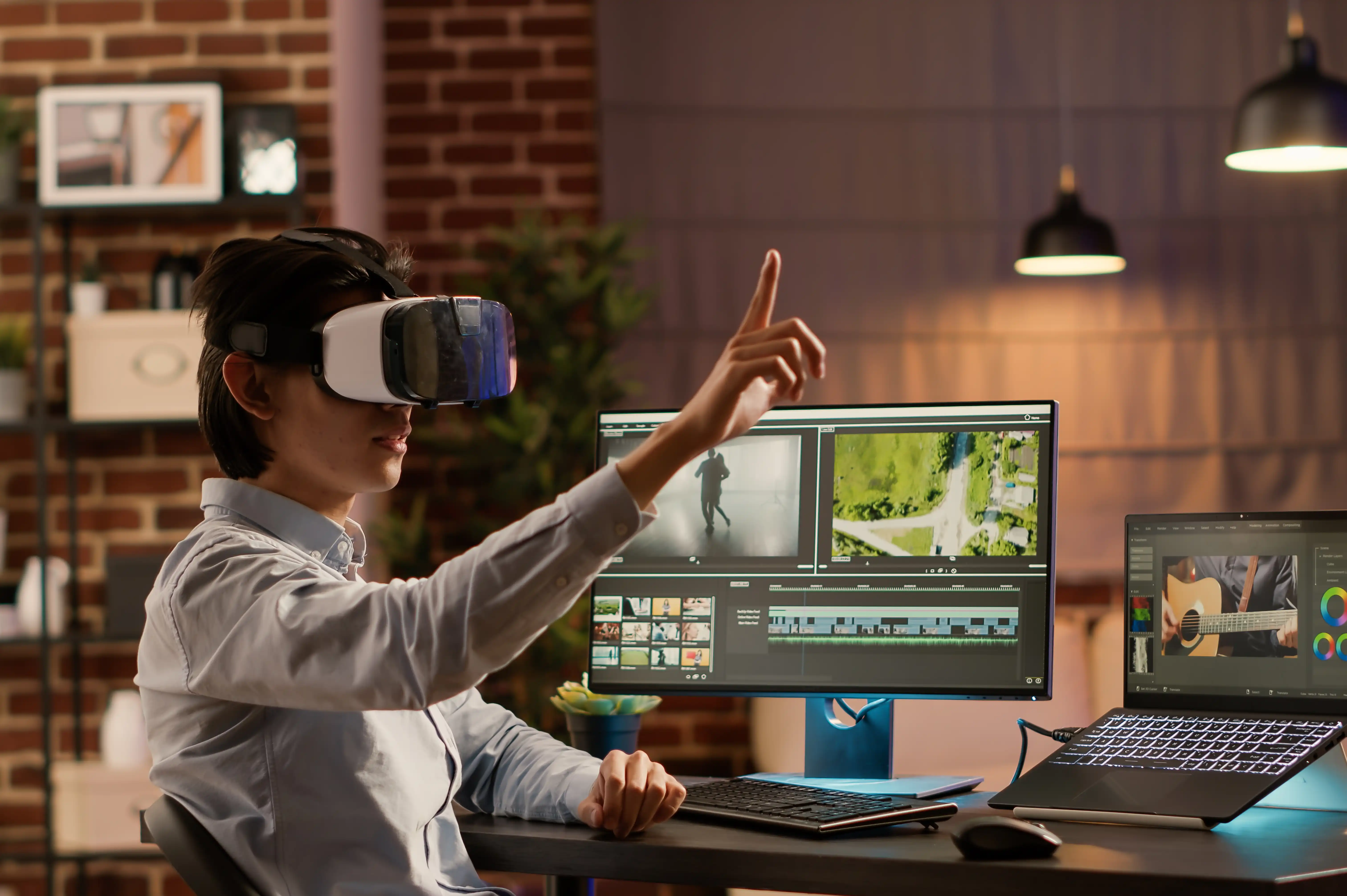
AI Tools Every Video Editor Should Know
Artificial Intelligence is transforming the way videos are created, edited, and delivered. Tasks that once required hours of manual work can now be completed in minutes with AI-powered tools. From generating subtitles and removing background noise to creating visual effects and editing entire videos, AI has become an essential part of modern video production.
Whether you're a beginner, content creator, freelancer, or professional video editor, learning AI tools can significantly improve your workflow, save time, and increase the quality of your projects.
In this guide, we'll explore the most useful AI tools every video editor should know in 2026.
Why AI is Revolutionizing Video Editing
AI helps editors automate repetitive tasks, allowing them to focus more on creativity and storytelling.
Benefits of AI-powered editing include:
- Faster editing workflows
- Automatic subtitle generation
- Better audio quality
- Smart scene detection
- Background removal
- Color enhancement
- Time-saving automation
- Increased productivity
AI is becoming a valuable assistant that enhances creativity rather than replacing editors.
1. Adobe Firefly
Adobe Firefly is one of the most powerful AI tools for creative professionals. It integrates seamlessly with Adobe Creative Cloud and helps editors create and enhance visual content.
Best For
- Generative Images
- Text Effects
- Background Expansion
- Object Removal
- Creative Assets
Key Features
- AI Image Generation
- Generative Fill
- Text to Image
- Background Editing
- Commercially Safe AI Content
Adobe Firefly is an excellent companion for editors using Adobe Premiere Pro and After Effects.
2. Runway
Runway has become one of the leading AI platforms for professional video editing and content creation.
Best For
- AI Video Editing
- Background Removal
- Object Removal
- Video Generation
- Motion Tracking
Key Features
- Green Screen Without Chroma
- Text to Video
- AI Motion Brush
- Frame Expansion
- Video Inpainting
Runway dramatically reduces editing time while delivering professional results.
3. CapCut AI
CapCut combines easy video editing with powerful AI features, making it popular among content creators and social media marketers.
Best For
- Instagram Reels
- YouTube Shorts
- TikTok Videos
- Social Media Content
AI Features
- Auto Captions
- AI Voice Generator
- Background Removal
- AI Script Writing
- Auto Resize
- Noise Reduction
CapCut is ideal for beginners who want fast and professional results.
4. Descript
Descript changes the editing process by allowing users to edit videos through text.
Best For
- Podcasts
- Interviews
- Educational Videos
- Talking Head Videos
AI Features
- Text-Based Editing
- Automatic Transcription
- AI Voice Cloning
- Filler Word Removal
- Screen Recording
Descript is especially useful for creators producing educational and business content.
5. ElevenLabs
Excellent audio can make or break a video. ElevenLabs uses AI to generate natural-sounding voice overs and enhance audio quality.
Best For
- Voice Overs
- Narration
- Audiobooks
- Explainer Videos
Features
- Realistic AI Voices
- Voice Cloning
- Multiple Languages
- Emotional Voice Control
It is widely used for professional narration and multilingual content.
6. Topaz Video AI
Topaz Video AI helps editors improve the quality of older or lower-resolution footage.
Best For
- Video Upscaling
- Noise Reduction
- Frame Interpolation
- Video Restoration
Features
- Increase Video Resolution
- Sharpen Footage
- Reduce Motion Blur
- Improve Low-Quality Videos
This tool is perfect for restoring archived footage or enhancing client projects.
7. Adobe Premiere Pro AI Features
Adobe Premiere Pro now includes several built-in AI-powered tools that simplify editing workflows.
AI Features
- Speech to Text
- Automatic Captions
- Scene Edit Detection
- Audio Enhancement
- Auto Reframe
- Color Matching
These features help editors complete projects faster without sacrificing quality.
8. DaVinci Resolve AI Tools
DaVinci Resolve combines professional editing with advanced AI-powered post-production features.
AI Features
- Magic Mask
- Smart Reframe
- Facial Recognition
- Voice Isolation
- Scene Cut Detection
- Intelligent Color Matching
These tools are especially valuable for filmmakers and professional editors.
9. ChatGPT
Although ChatGPT is not a video editor, it has become an essential AI assistant for video production.
Best For
- Script Writing
- Story Development
- Shot Lists
- Video Titles
- Thumbnail Ideas
- SEO-Optimized Descriptions
- Social Media Captions
ChatGPT helps creators plan and optimize video content before and after editing.
10. Veo
Veo is an advanced AI video generation model that can create high-quality videos from text prompts.
Best For
- Concept Videos
- Advertising Ideas
- Storyboarding
- Creative Visualizations
- Marketing Content
As AI video generation continues to evolve, tools like Veo are becoming valuable for rapid content creation and pre production.
How AI Improves Video Production Workflows
Modern AI tools can automate almost every stage of production.
Pre Production
- Script Writing
- Storyboarding
- Idea Generation
- Shot Planning
Production
- Camera Assistance
- Background Removal
- Smart Tracking
Post Production
- Video Editing
- Subtitle Generation
- Audio Cleanup
- Motion Graphics
- Color Correction
- Export Optimization
This allows creators to spend more time on storytelling and creative direction.
Skills Every Modern Video Editor Should Learn
To remain competitive, video editors should master both traditional editing techniques and AI-powered workflows.
Essential skills include:
- Video Editing
- Cinematography
- Motion Graphics
- Color Grading
- Audio Editing
- Visual Storytelling
- AI-Assisted Editing
- Content Strategy
- Creative Problem Solving
- Social Media Optimization
Combining technical expertise with AI knowledge makes editors more valuable to employers and clients.
Learn AI-Powered Video Editing at 360 Digi Academy
At 360 Digi Academy, our Video Production Course in Calicut prepares students for the future of creative media through practical learning and AI-integrated training.
Students learn:
- Adobe Premiere Pro
- Adobe After Effects
- DaVinci Resolve
- Motion Graphics
- Cinematography
- Color Grading
- Audio Editing
- Adobe Firefly
- Runway
- ChatGPT
- AI-Powered Video Workflows
- Live Projects
- Portfolio Development
- Internship Opportunities
- Placement Assistance
Our industry-focused curriculum helps students build the technical and creative skills needed for careers in video production, digital marketing, filmmaking, and content creation.
Final Thoughts
Artificial Intelligence is reshaping the video production industry by making editing faster, smarter, and more efficient. Tools like Adobe Firefly, Runway, CapCut, Descript, ElevenLabs, Topaz Video AI, DaVinci Resolve, and ChatGPT enable creators to automate repetitive tasks, improve production quality, and deliver professional results in less time.
Learning these AI tools alongside industry-standard editing software will help you stay ahead in the rapidly evolving creative industry. Whether you aspire to work in filmmaking, advertising, YouTube content creation, or freelance video production, mastering AI-powered workflows will give you a strong competitive advantage.
If you're looking for practical training, expert mentorship, live projects, and AI-integrated learning, 360 Digi Academy provides everything you need to become a future-ready video editor.